Set Up Website Access
Follow this guide to claim your SportsEngine account and manage your swimmer's entries.
The Invitation Email
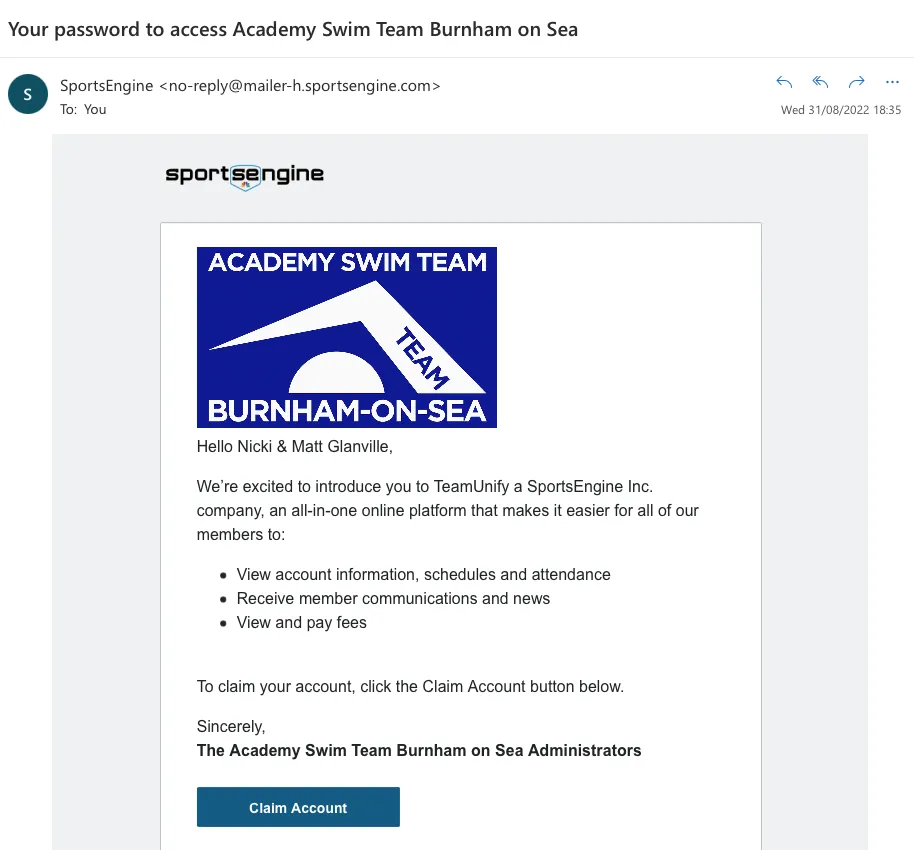
You will receive an email from SportsEngine with the subject line:
‘Your Password to Access Academy Swim Team Burnham on Sea’
If you have not received this email, you cannot set up your account. Please check your spam/junk folder first.
If it's still missing, please contact the Secretary.
Claim Account & Phone Number Glitch
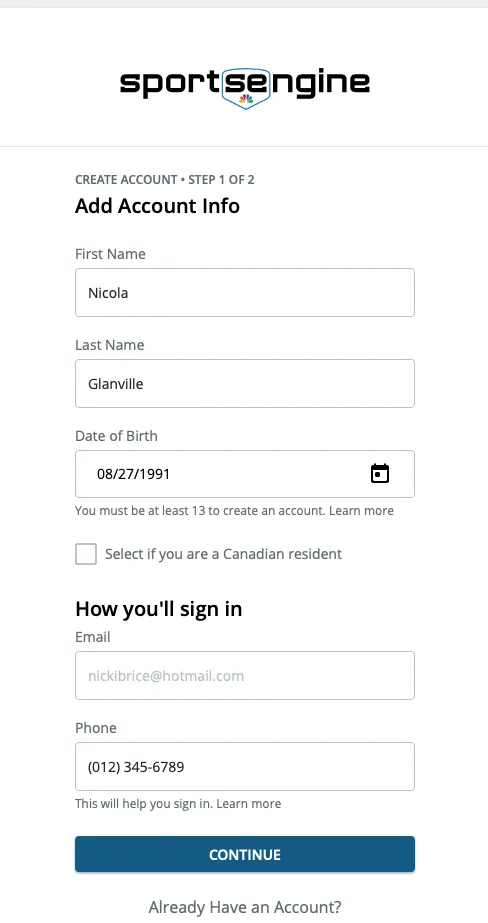
Click on ‘Claim Account’ in the email. This takes you to the account creation page. Enter your Name and DOB. Your email should be pre-filled.
IMPORTANT: Phone Number Glitch
There is a known technical glitch with the phone number field. You MUST enter the default number exactly as shown below, or it will not work.
*Do not worry, we already have your correct real phone number in our secure internal database.
Create Password
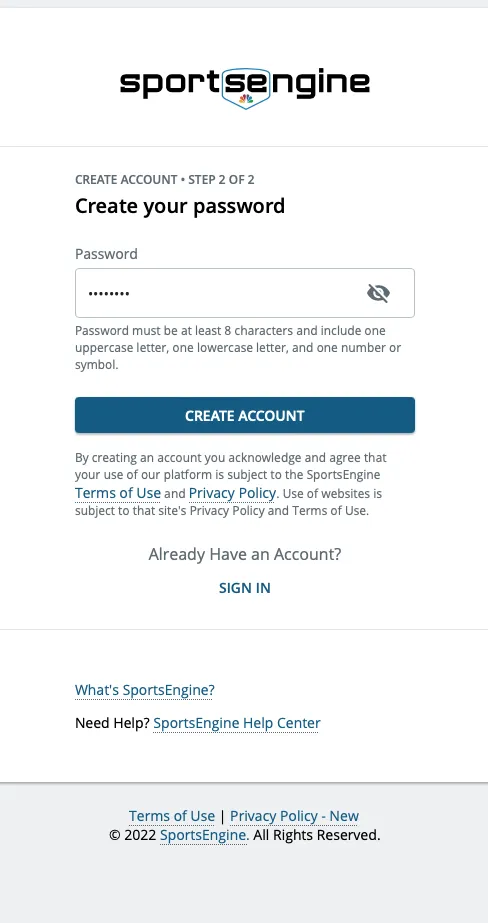
Click continue. You will be taken to a screen to create your own secure password for the site.
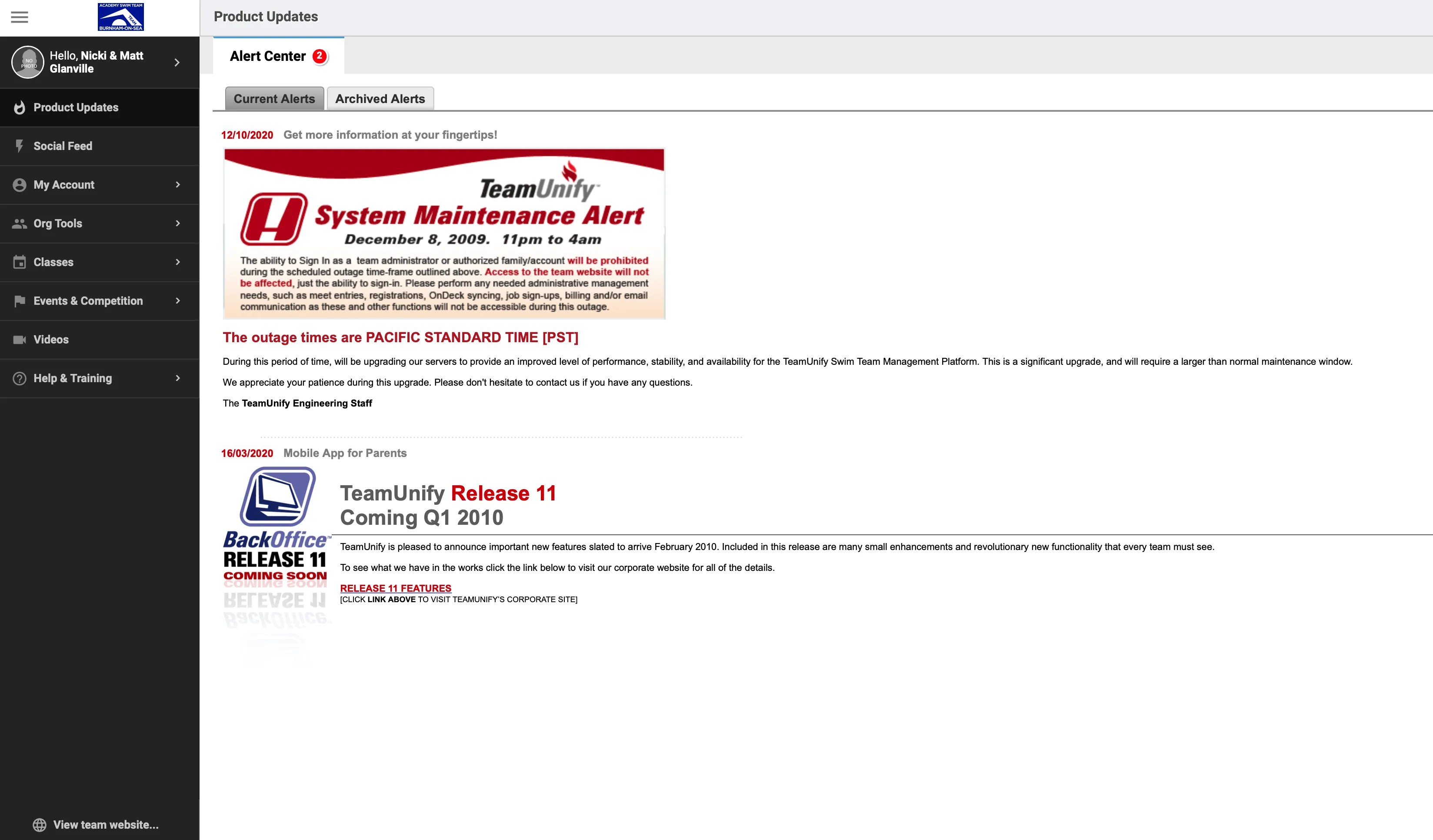
Management Console
Click ‘Create Account’. You will be taken to your dashboard where you can manage your swimmer’s event entries.